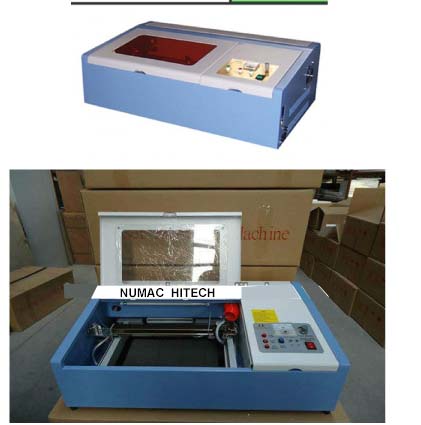
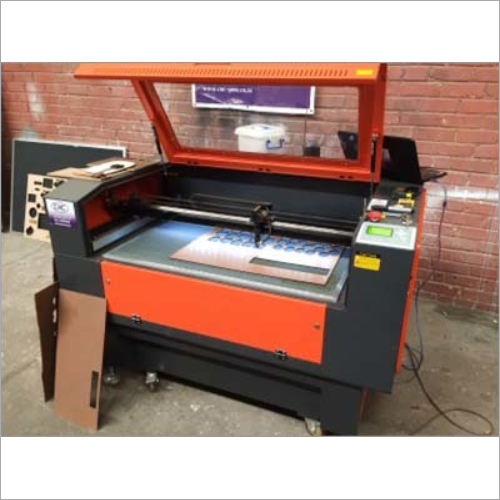
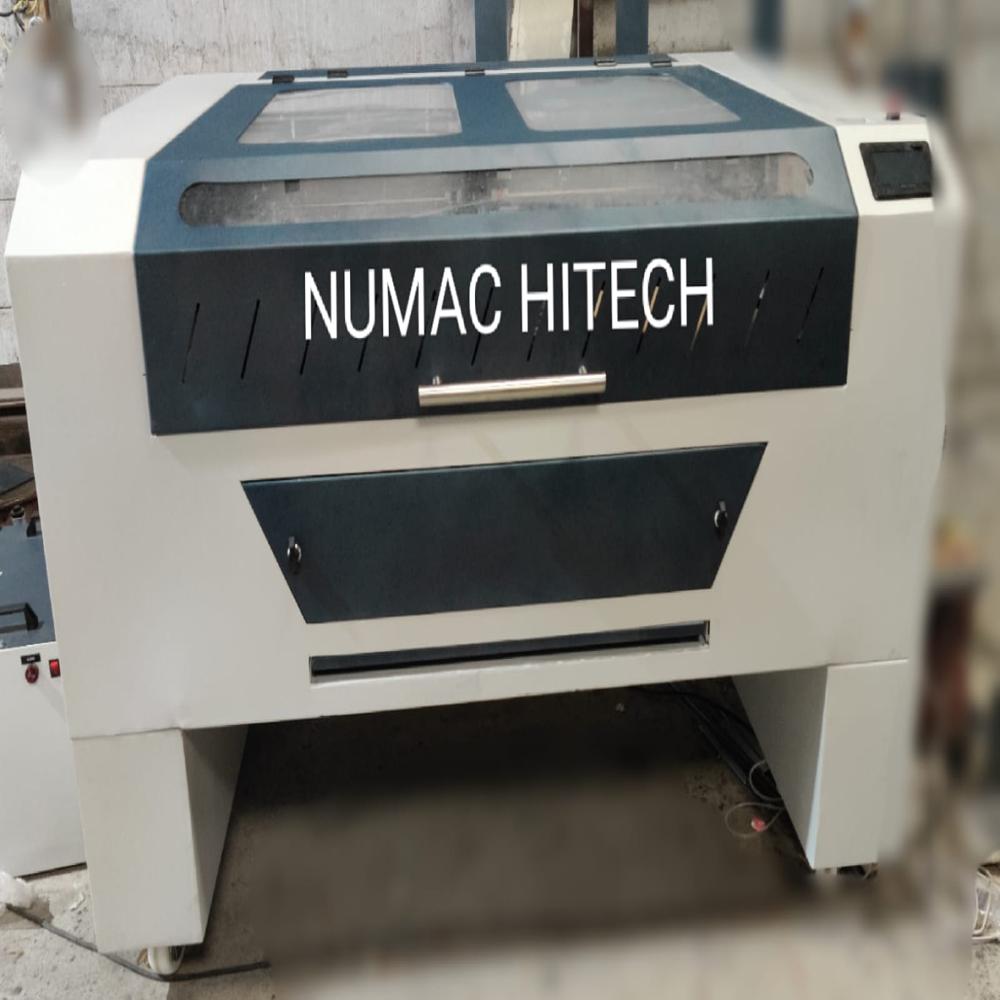
About A4 size co2 laser engraving Machines
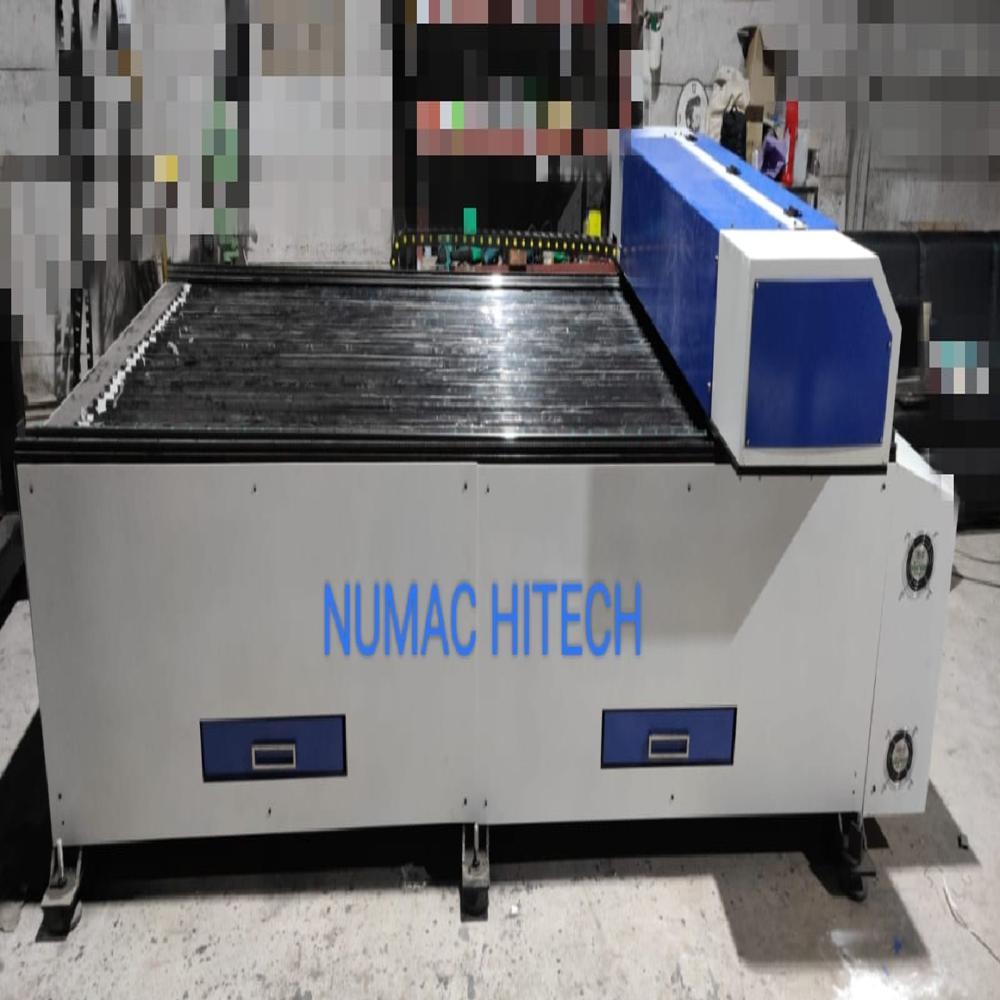
WELCOME TO NUMAC HITECH COMPANY .Thanks you for your interest .This catalogue features everything needed for Laser Engraving & cutting machines.We are offering our client an excellent quality range of Leaser CNC. These Laser CNC are made from very high quality raw material which ensures high durability at its user end. These Leaser CNC are in high demand in the market. Different sizes and designs are easily available in the market.
LASER APPLICATION
- Plastic parts fabrication
- Polished edge acrylic fabrication
- Decorative raster imaging (wood, plastic, metal)
- Surface mapping for parts with inconsistent thickness
- Leather cutting
- Fabric cutting
- Wood machining
Product advantage
Convenience: Simple software hardware installation. You can choose operate the manufacturing process by striking the function keys of operation system
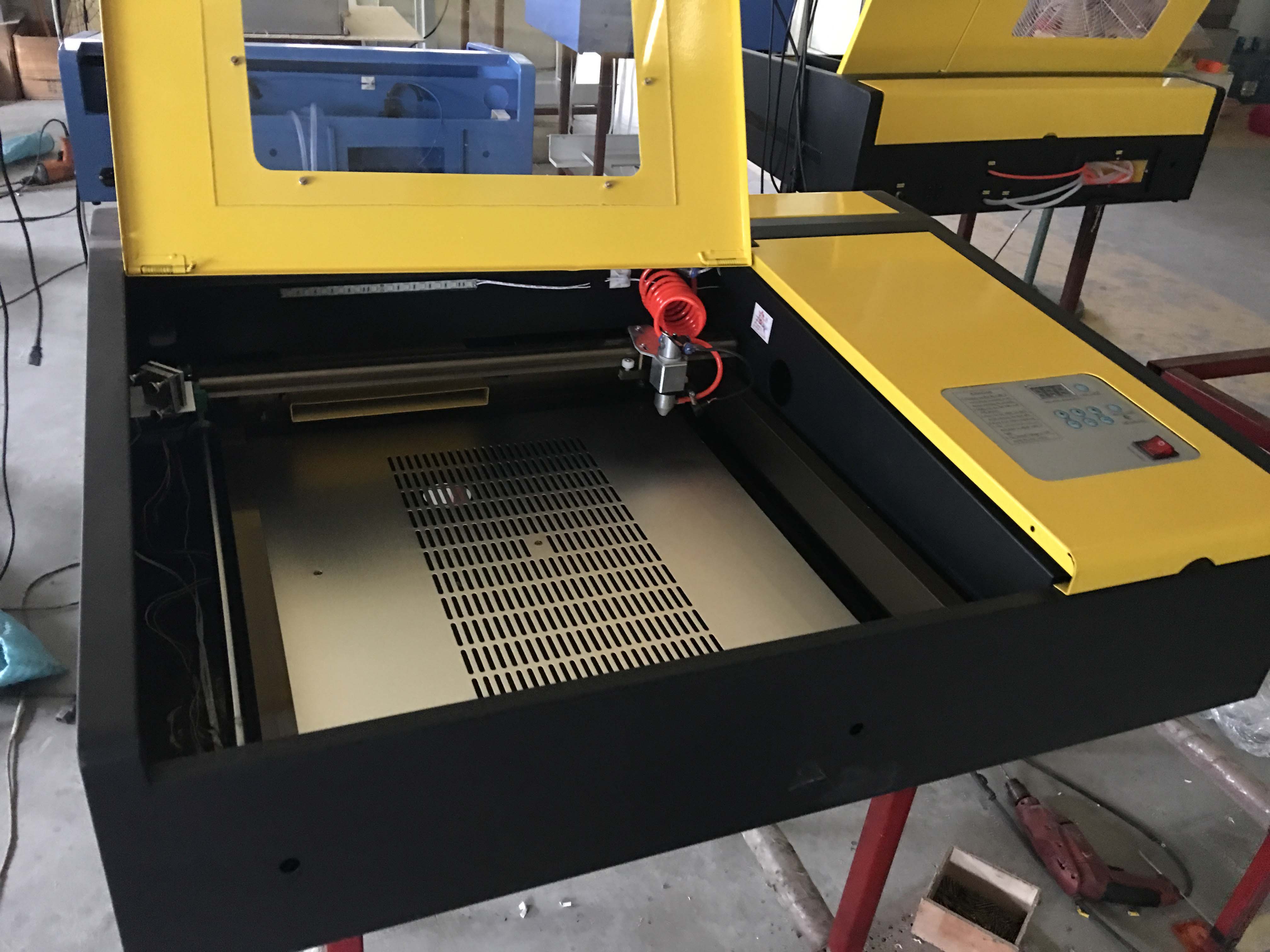
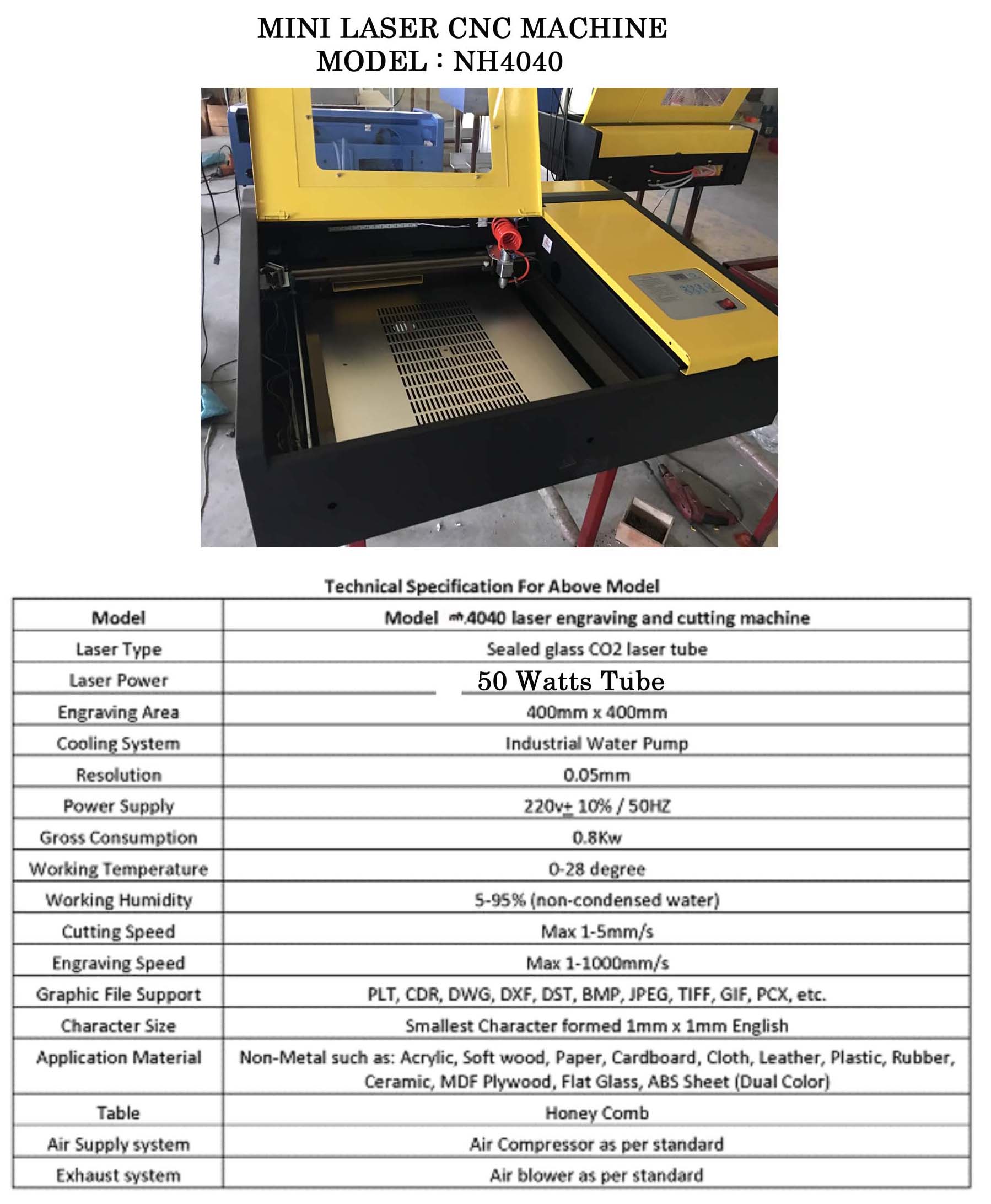
Precision Desktop Engraving and CuttingThis CO2 laser engraving machine offers high-resolution engraving and cutting on A4-sized materials. Its user-friendly desktop design makes it suitable for workshops and businesses with limited space. Capable of handling up to 40 pieces per hour, it delivers consistent results for professionals working with non-metal materials such as acrylic, wood, or paper.
Advanced Features and SafetyThe machine incorporates essential safety features like an emergency stop, interlocks, and a protective cover to safeguard operators during use. With options for manual or automatic focus and a water-cooling system, it ensures both precision and machine longevity. Its stepper motor-driven axes provide sturdy, vibration-free operation, essential for detailed work.
Software Versatility and ConnectivityCompatible with widely used design software such as CorelDRAW, AutoCAD, and LaserDRW, this laser engraver integrates easily into most workflows. Supported file formats include BMP, JPG, DXF, PLT, AI, and SVG, giving users flexibility in project setup. Connectivity is straightforward with a USB port and full support for Windows operating systems.
FAQ's of A4 size co2 laser engraving Machines:
Q: How do I set up and operate the A4 size CO2 laser engraving machine?
A: Setting up the machine involves connecting it to a compatible Windows computer via the USB port, installing the recommended design software (CorelDRAW, AutoCAD, or LaserDRW), and completing the water-cooling system setup. Insert your design files (supported: BMP, JPG, DXF, PLT, AI, SVG), adjust focus (manual or optional auto), and use the control panel to start engraving or cutting.
Q: What materials can the CO2 laser engraver process, and what are its typical applications?
A: This machine can precisely engrave and cut non-metal materials such as acrylic, wood, leather, paper, and rubber. Common applications include creating customized gifts, signage, model prototypes, stencils, and decorative items for both personal and professional use.
Q: When should I use water cooling, and how does it benefit machine performance?
A: Water cooling must be used every time the machine operates, as it regulates the temperature of the CO2 laser tube, preventing overheating and extending its lifespan (1000-1500 hours). Consistent cooling also results in reliable engraving performance and minimizes maintenance.
Q: Where can this laser engraving machine be used most effectively?
A: Thanks to its compact desktop design and high rigidity, this machine is ideal for small workshops, studios, educational institutions, and manufacturing units where space is at a premium but precision and efficiency are necessary.
Q: What safety features are built into this machine to protect users?
A: The engraver includes an emergency stop switch, a protective cover, and interlock systems to ensure immediate shutdown in case of accidents, minimizing risks during operation and making it suitable for workplace environments.
Q: How does the engraving and cutting process work with different file types?
A: You can import a variety of design file formats (such as BMP, JPG, DXF, PLT, AI, and SVG) into the compatible software. The software sends instructions to the machine, which uses its high-resolution laser to engrave or cut the design onto your chosen material.
Q: What are the main benefits of using a CO2 laser engraver for my business?
A: Using this engraver increases productivity, achieves high levels of detail (0.025mm resolution), and allows quick turnaround (up to 40 pieces/hour). Its versatility in handling different materials and user-friendly operation streamlines production for manufacturers, suppliers, and service providers.











 Send Inquiry


 Send Inquiry